
Delete your account
Deleting your LoboBot account removes everything you set up, and your widgets stop working on stream. It cannot be undone.
What gets deleted
- Your profile: your username and your email.
- Your game data: every League of Legends and Teamfight Tactics account you linked.
- Your connections: Riot Sign On, Twitch and Spotify.
- Your widgets: all your League of Legends boxes, Teamfight Tactics boxes and your Spotify Box. Their URLs stop working in OBS.
This cannot be undone
LoboBot cannot recover a deleted account. If you sign up again later, even with the same email, you start with a new, empty account.
Delete it
Click Settings in the header.
In the settings sidebar, open Delete Account.
Click Delete Account.
In the dialog, click Delete Account to confirm, or Close to keep your account.
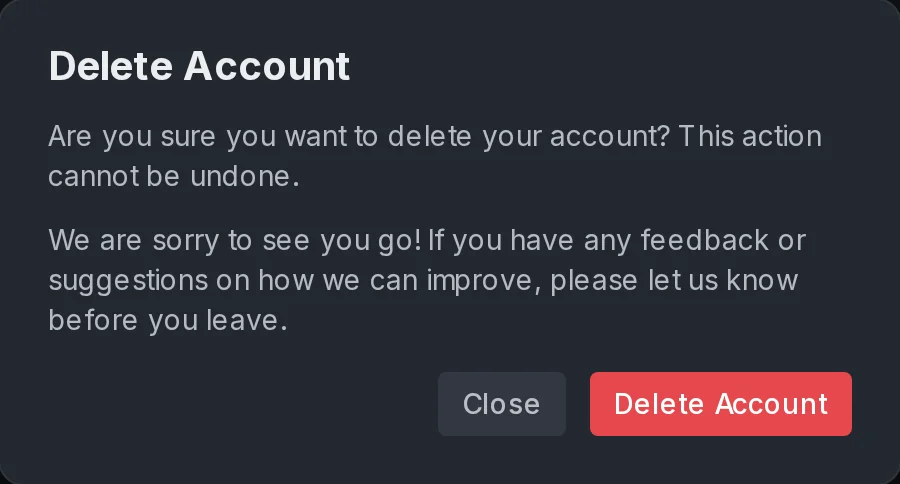
LoboBot deletes your account and takes you to the home page.
Only want to stop one widget?
You do not need to delete your account for that. Delete the box instead (see Delete a box), or disconnect Spotify (see Disconnect Spotify).
Next steps
- Contact support: tell us why you are leaving, or ask before you delete.
- Connections: disconnect Riot Sign On without deleting anything.