
Getting started
LoboBot puts your League of Legends and Teamfight Tactics stats, and the song you are playing on Spotify, on your stream. Each widget is a web page: you add its link to OBS or Streamlabs as a browser source, and it keeps itself up to date while you play.
LoboBot is free, and there is nothing to download.
What you need
- OBS Studio, Streamlabs Desktop or another streaming app that supports browser sources.
- A Riot account for the League of Legends and Teamfight Tactics boxes, or a Spotify account for the Spotify Box.
Your first box in five steps
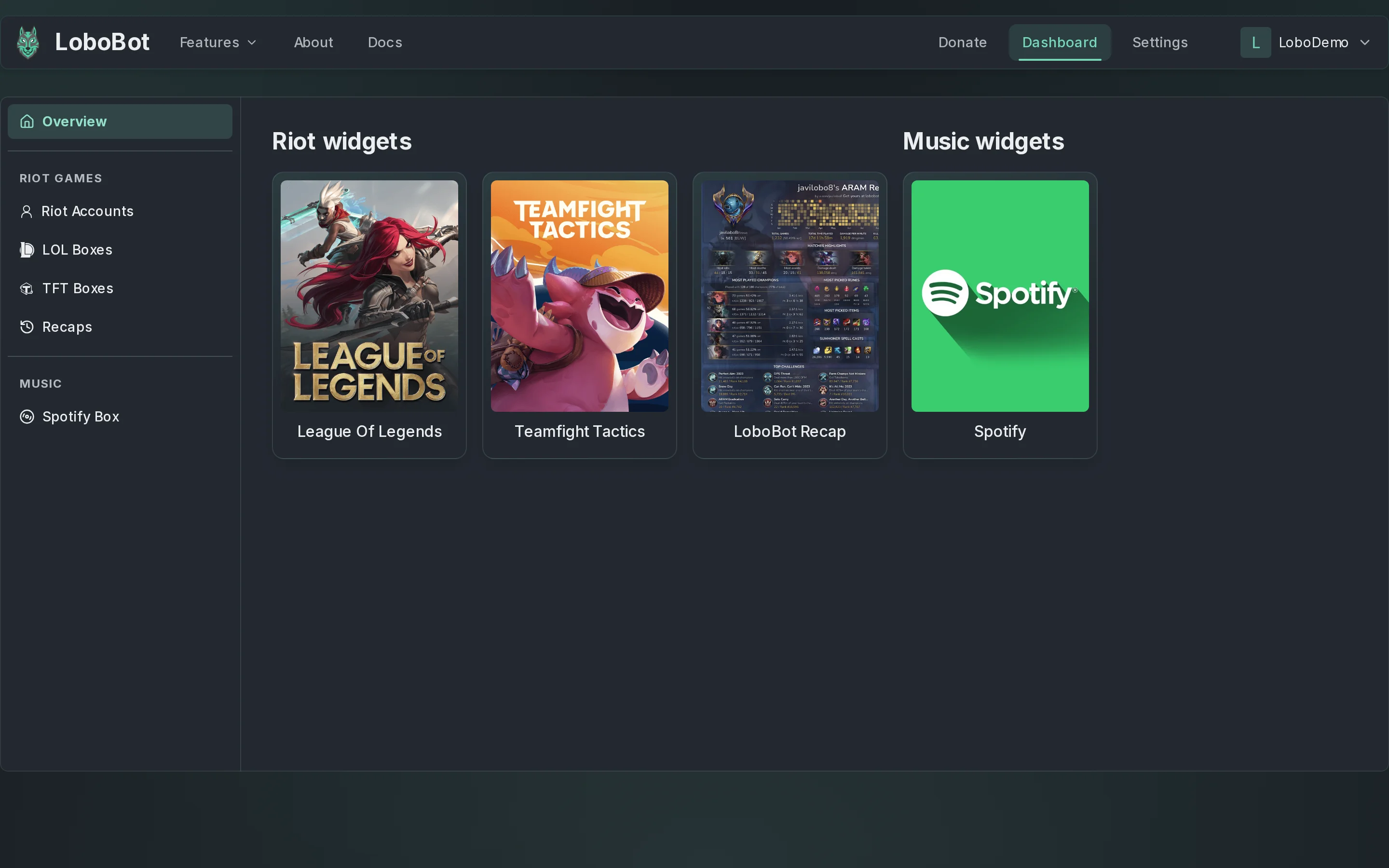
Everything happens in the dashboard. The sidebar on the left takes you to Riot Accounts, LOL Boxes, TFT Boxes and Spotify Box.
- Create your account. Go to lobobot.com, click Register and sign up with Google, Twitch or your email. See Create an account.
- Link your Riot account. Open Riot Accounts and click Link Riot Account. Riot Sign On adds the League of Legends and Teamfight Tactics accounts of your Riot account in one go. To type a Riot ID instead, use Add account. See Link your Riot accounts.
- Create a box. Open LOL Boxes and click New box. Go through the three steps (Account, Box version and Personalization), then click Create box. See League of Legends boxes.
- Copy its URL. Select the box in the list. Under Browser source URL, click Copy. Keep the URL to yourself: anyone who has it can show your box. See Copy the widget URL.
- Add it to OBS. In OBS, add a Browser source, paste the URL and set its width and height. Your box is live. See Add it in OBS Studio.
For Teamfight Tactics, use TFT Boxes in step 3.
Only want the Spotify Box?
After step 1, open Spotify Box and click Connect Spotify account. Your box is ready: on the same page, under Browser source URL, click Copy, then go on with step 5. See Spotify Box.
Next steps
- Choose a widget: what each widget shows and what it needs.
- Add a widget to OBS or Streamlabs: sizing, Streamlabs, and the two OBS settings that session boxes need.